See route Information Using the Routes Menu
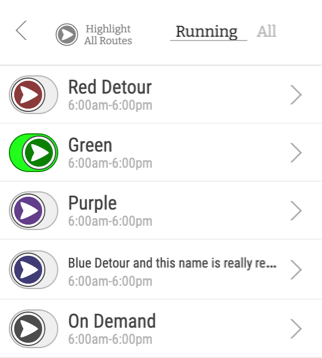
This menu lists all routes. You can choose to view only "Running" routes, or "All" routes.
This menu lists all routes. You can choose to view only "Running" routes, or "All" routes.
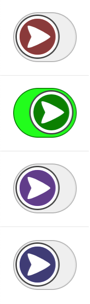
Use these switches to show or hide routes on the map.
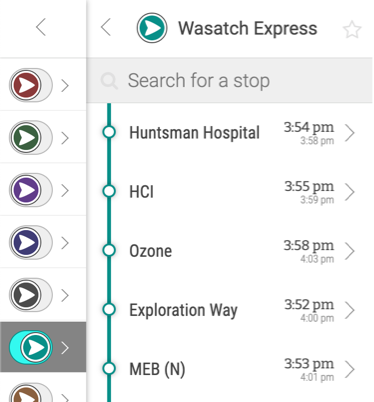
Clicking on a route name will give you a list of stops that are on the route, along with estimated arrival times if a vehicle is on route.
Arrival times will show you when the next vehicle arrives, and possibly when the next vehicle after that will arrive.
Whenever you see the star icon, you can mark that route (or stop) as a favorite.